
Receiving payments
Adding or changing your bank account
Manage your Indian bank account details from your Infinity dashboard.
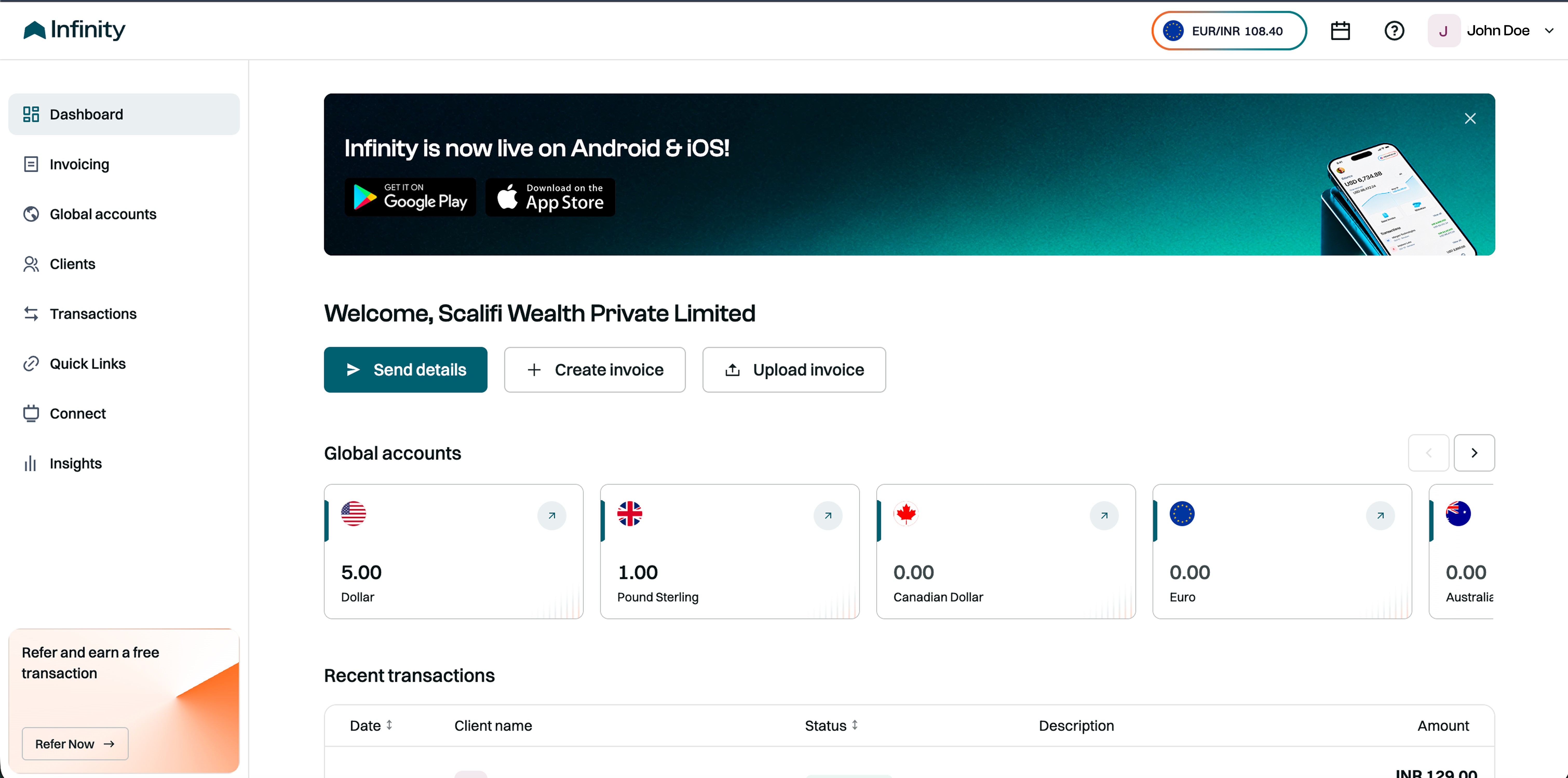
1. Open your account menu
Click your name or profile icon in the top-right corner of the dashboard.
2. Select Bank details
Click Bank details in the dropdown menu to view your primary INR bank account.

3. Open Manage accounts
Click Manage accounts below your primary bank account details. A panel will open showing your current account, marked Active, and any other accounts.

4. Add a bank account
Click + Add bank account and fill in the following:
Bank name: Select your bank.
Account holder name: Enter the name exactly as it appears on your bank account.
Account number: Enter your bank account number.
IFSC code: Enter your bank branch’s IFSC code.
Supporting document: Upload a cancelled cheque or bank statement.


5. Review and continue
Double-check your details, then click Continue to proceed with the next on-screen instructions.
Changing your bank account
To use a different bank account, start by adding it through the steps above. You can check which account is currently active under Manage accounts.
Still stuck? Our team is always there to help you.
Contact support