
Getting started
How to create your Infinity account
Sign up and complete KYC within 5 minutes
Create your account within 5 minutes by signing up and completing KYC on time
Visit infinityapp.in and signup.
Enter your first name, last name, email address, and phone number and sign up on Infinity.

Now fill the KYC form to get started with Infinity. It only takes a few minutes.
Select your business type, form changes based on your business type.
Fill in your basic details such as Legal Name and Phone Number

Fill in your business details such as work profile and work address


Fill in director details

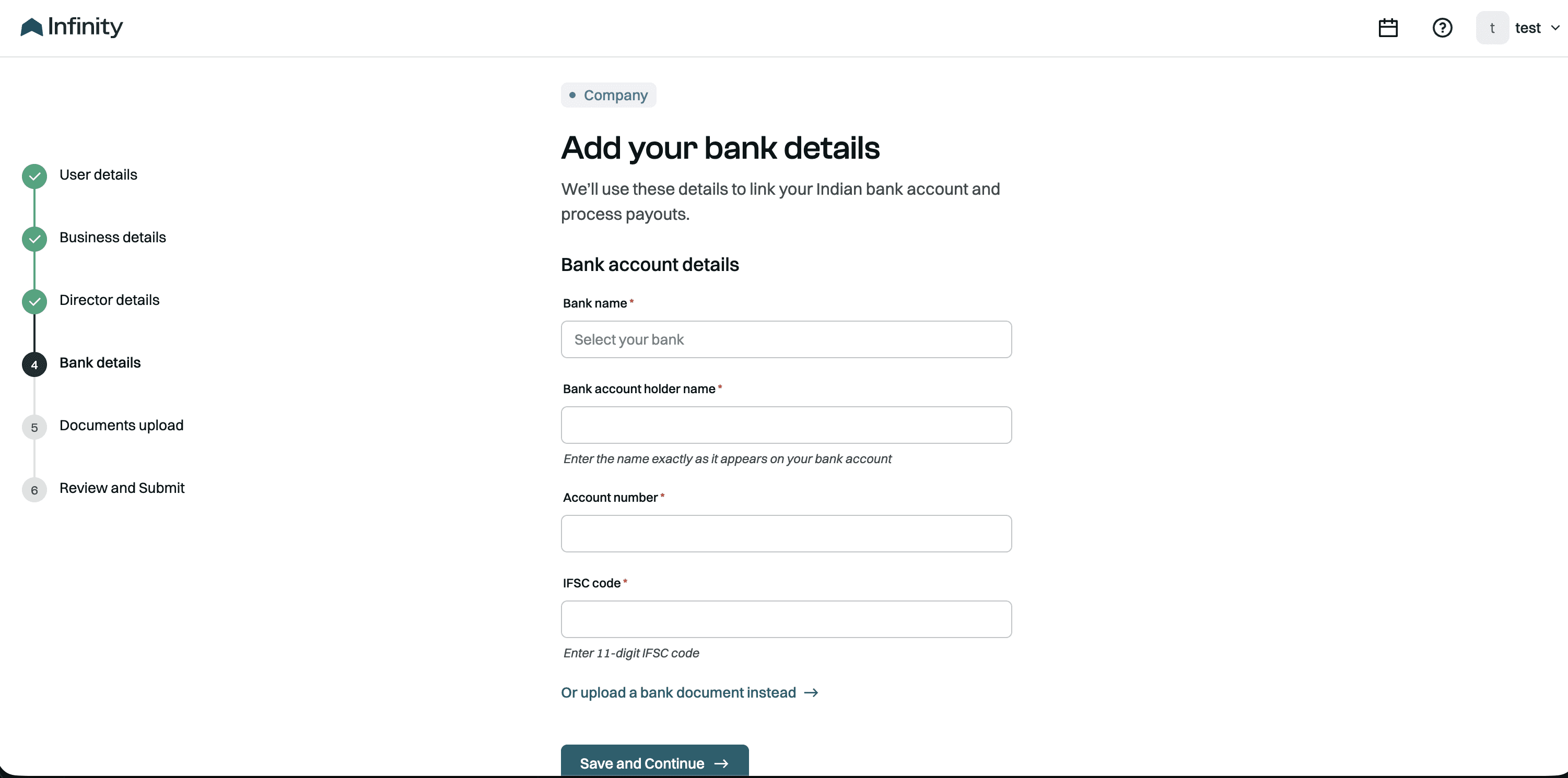
Fill in your bank details
Provide relevant document proof

Review all your details and submit KYC

Your account will now be under activation. It takes 1 business day for your account to be active.

Still stuck? Our team is always there to help you.
Contact support