
Getting started
Sending your first invoice
Create a professional invoice and share with your client
Create an invoice
Click on create invoice.

Input invoice details such as client, currency, purpose code, invoice date, due date.

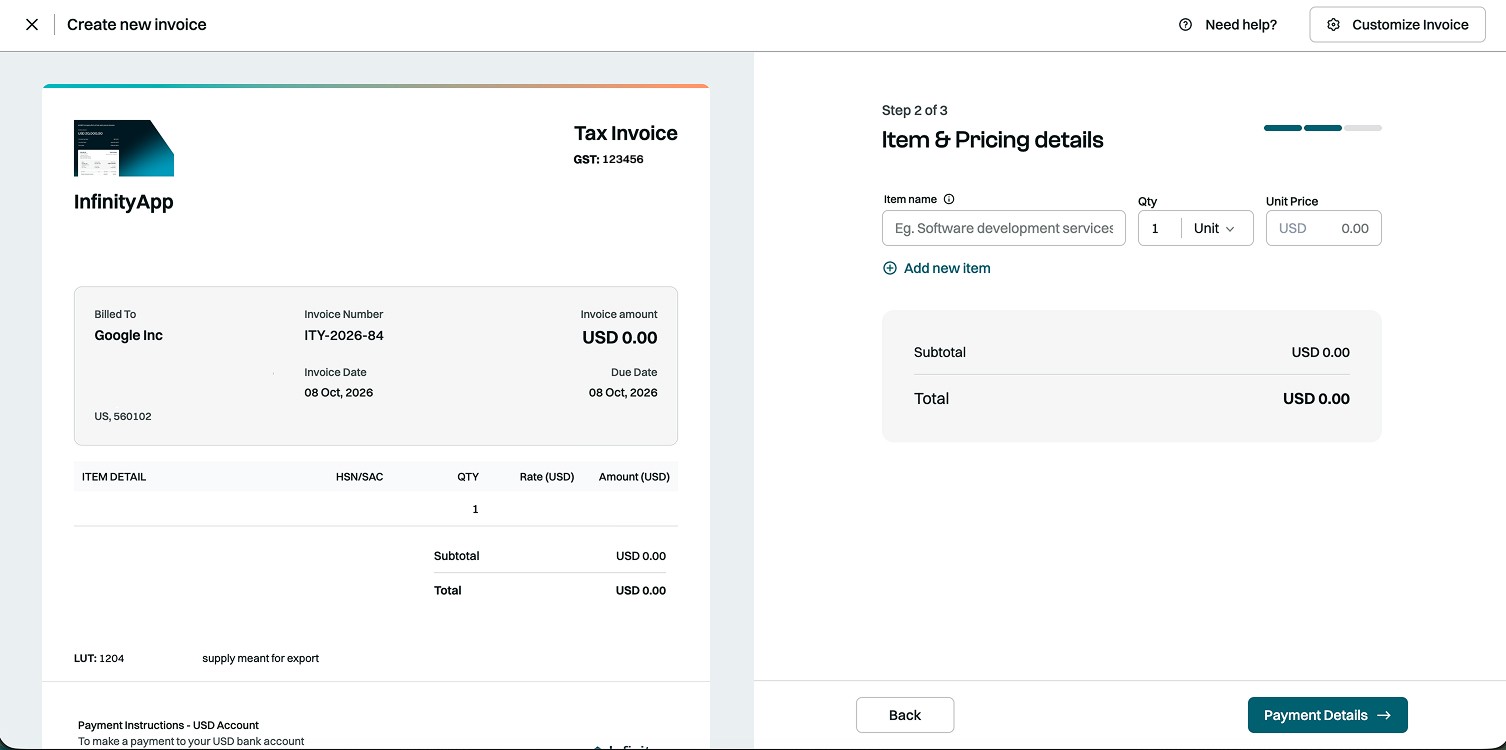
Input item & pricing details such as item name, quantity and unit price.
Select payment method and other details.

Review details and create the invoice. Share it with your client to receive international payment effortlessly.

Still stuck? Our team is always there to help you.
Contact support