

Export essentials


Subscribe to our newsletter
Get the latest updates, insights, and tips delivered straight to your inbox.
An AD Code (Authorised Dealer Code) identifies an authorised bank branch for certain export-related customs and foreign-exchange processes in India. If your business exports goods, you may need to know which AD Code applies to your shipments and whether you must register it on ICEGATE.
What you need to do with an AD Code depends on your export activity and the Customs procedures that apply. Here’s what you need to know about getting an AD Code from your bank, who needs one, and when ICEGATE registration comes into play.
TL;DR
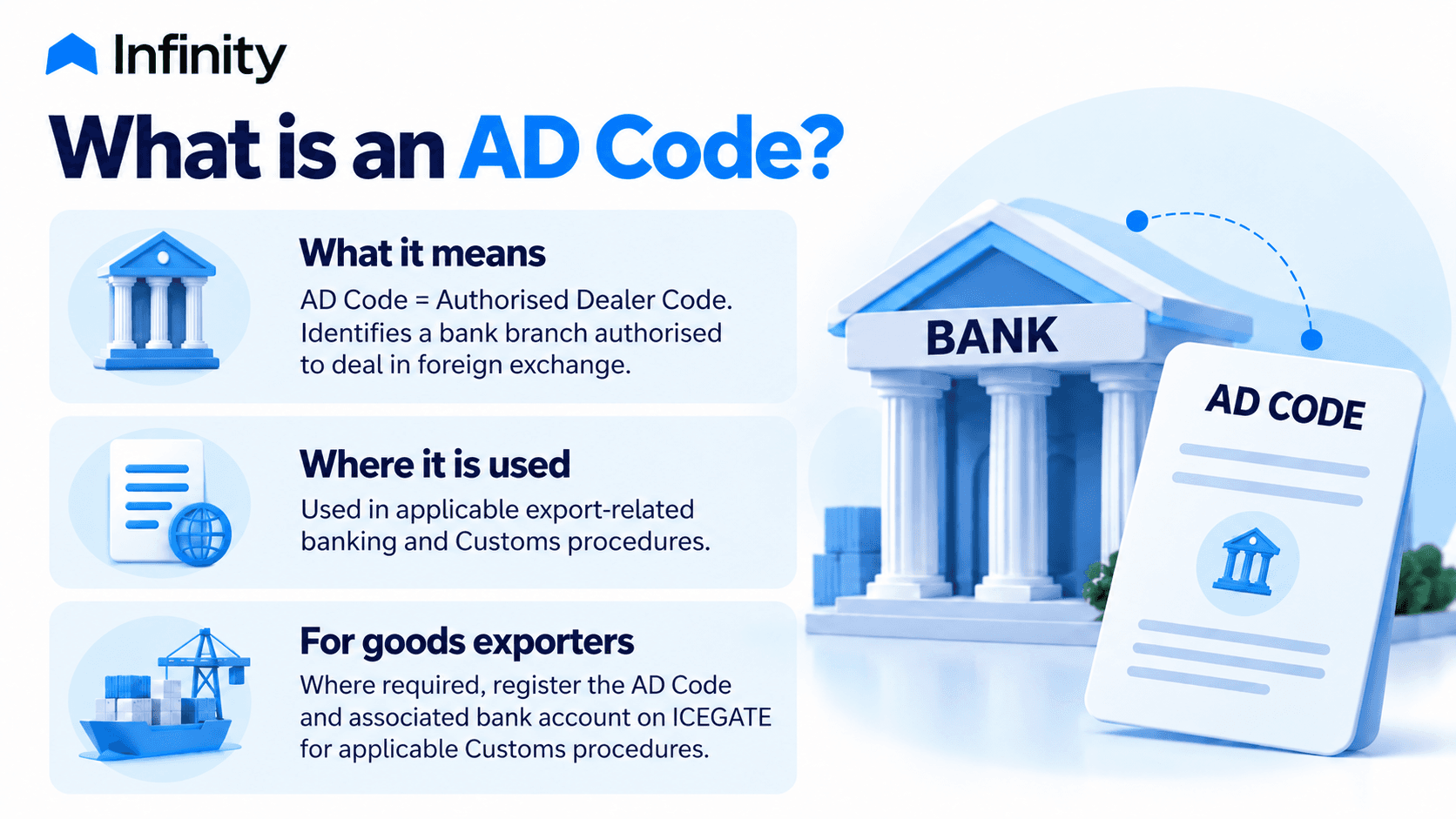
An AD Code (Authorised Dealer Code) identifies a bank branch authorised to deal in foreign exchange.
Goods exporters may need to register their AD Code and associated bank account on ICEGATE for applicable Customs procedures, including shipping bill processing.
Obtain an AD Code letter from your authorised dealer bank. If ICEGATE registration applies, submit the required details and documents, then track the application status.
AD Code, IEC, and IFSC serve different purposes: they identify an authorised dealer bank branch, an importing or exporting entity, and a bank branch for electronic fund transfers, respectively.
Once approved, export-related AD Code registration at one Customs port becomes available across other Customs locations, without separate registration at each port.
Service exporters and freelancers should confirm their applicable documentation and reporting requirements with their authorised dealer bank.
What is an AD Code?
AD Code stands for Authorised Dealer Code. It identifies a bank branch authorised to deal in foreign exchange. For goods exports, the relevant bank account may need to be registered on ICEGATE under the applicable Customs procedure.
ICEGATE’s Foreign Remittance Account (AD Code) facility lets users declare bank accounts used for foreign remittances. The registration requirements depend on the relevant Customs process.
An AD Code should not be confused with an Importer Exporter Code (IEC), an Indian Financial System Code (IFSC), or a bank account number. The IEC identifies an importer or exporter, the IFSC identifies a bank branch for electronic payments, and the account number identifies a specific bank account.
Why is an AD Code Important for Exporters?
AD Code registration connects the exporter’s declared bank-account details with the relevant Customs workflow. Accurate details help avoid discrepancies when filing shipping bills and processing export transactions.
Missing or incorrect information may lead to a query or delay. Check that the registered details match your bank records and resolve any discrepancies before proceeding.
Who Needs an AD Code?
Goods exporters and importers may need to provide AD Code details for applicable Customs and foreign-exchange procedures. The requirements differ between export and import transactions. Service exporters and freelancers should distinguish their banking requirements from the ICEGATE registration process used for goods exports.
1. Goods Exporters
AD Code and bank account details are used in applicable export customs procedures, including shipping bill processing. ICEGATE provides a bank-account registration facility for AD Codes. Check the current official instructions for your export procedure before submitting your bank details.
2. Importers
Importers may need to declare the AD Code of the bank handling their outward remittance in the Bill of Entry. This is separate from the AD Code registration process for goods exports. Check with the bank which code to use before filing.
3. Service Exporters and Freelancers
Getting paid by an overseas client doesn’t automatically mean you need to register an AD Code on ICEGATE. The process mainly relates to goods exports. If you provide services, ask your bank which documents and reporting rules apply to the payments you receive.

How Do You Get an AD Code From Your Bank?
To get an AD Code for export-related transactions, contact the authorised dealer bank that handles your business’s foreign-exchange transactions. The process generally involves these steps:

Request an AD Code letter: Ask the bank for an AD Code letter for your export activity.
Submit the required documents: Complete the bank’s application process and provide the requested forms and supporting documents. Requirements may vary by bank.
Verify the letter details: Check that your business name, Importer Exporter Code (IEC), AD Code, bank name, branch details, and account information are accurate, especially if you plan to use the letter for Customs registration.
Obtaining an AD Code from your bank is separate from registering the relevant bank details on ICEGATE.
Where to Find an Existing AD Code
If you already have an AD Code letter, check it to find the code and associated bank details. If you have misplaced the letter or are unsure whether the details are current, contact the issuing bank branch to confirm the AD Code and relevant account details before using them in export-related procedures.
How Does AD Code Registration on ICEGATE Work?
AD Code registration on ICEGATE allows exporters to register the relevant bank account for export-related Customs procedures. Start by opening the Bank Account section of your registered ICEGATE account.
The registration process generally involves these steps:

Before you begin, keep your bank-issued AD Code letter and relevant bank account records handy. Check ICEGATE’s requirements for the supporting proof you need to upload.
Sign in to ICEGATE: Log in to your registered account and open the Bank Account section.
Select the account type: Choose Foreign Remittance Account (Authorized Dealer Code) for AD Code registration. The Refund/Incentive Account is a separate option for bank accounts used to receive eligible Customs refunds and incentives.
Add a new bank account: Select Add New Bank Account to open the registration form.
Enter the required details: Provide the bank and branch details, account number, and AD Code. Complete any additional fields the portal requests, such as the Customs location.
Complete verification: Follow ICEGATE's instructions and provide the required supporting documents and verification details. Check the current portal requirements before submitting the application.
Complete OTP verification, if prompted: Follow the portal’s instructions to verify your registered mobile number or email.
Check the registration status: Return to the Bank Account section to check your application status. If verification fails, review the error message and correct any inaccurate details. Contact your bank for incorrect banking information or ICEGATE support for unresolved portal issues.
What Should You Do if Your AD Code Registration Is Pending or Rejected?
If your AD Code registration is pending or rejected on ICEGATE, check the application status and review any error code, rejection reason, or instructions shown on the portal. Your next steps depend on the status and the reason for the delay or rejection.
1. Check the application status
Log in to ICEGATE and open the AD Code registration section. Check the status shown for your application. You may see labels such as System Pending, System Rejected, Customs Pending, Customs Approved, or Customs Rejected.
2. Check the details you submitted
Go through your AD Code, bank account number, bank and branch details, business name, IEC, and uploaded documents. Compare them with your bank records and look for any mismatch ICEGATE has flagged.
3. Fix the issue and resubmit, if needed
Use the rejection reason to decide your next steps. Correct any errors and use the available modification or resubmission option. If ICEGATE asks you to file a fresh application, submit one with the corrected details. For changes to registered bank details, follow the applicable amendment process.
4. Get help if the issue remains
If the AD Code or bank details are incorrect, ask your bank to confirm them. For portal errors or unresolved application issues, contact the ICEGATE Helpdesk at 1800-3010-1000 or icegatehelpdesk@icegate.gov.in. If your application needs action from a particular Customs office, follow ICEGATE’s instructions or contact that office.
Difference Between AD Code vs IEC vs IFSC
An AD Code, IEC, and IFSC serve different purposes in international trade and banking. The AD Code is a bank-related identifier used in applicable customs and foreign-exchange procedures, the IEC identifies an importing or exporting entity, and the IFSC identifies a bank branch for electronic fund transfers.
Point of Distinction | AD Code | IEC | IFSC |
What it identifies | An authorised dealer bank branch dealing in foreign exchange | An importing or exporting entity | A specific bank branch |
Main purpose | Supports applicable customs and export-related banking procedures | Identifies an entity for import and export activities, subject to applicable exemptions | Helps route electronic fund transfers to the correct bank branch |
Where it is used | Applicable customs procedures, including AD Code registration for exports | Import and export activities | Electronic fund transfer systems such as NEFT, RTGS, and IMPS |
In practice, an IEC does not replace an AD Code when registration is required, and an IFSC serves a different purpose.
How Infinity Helps Manage International Payments and Records
AD Code registration and payment records serve different purposes in export transactions. While exporters must complete any required AD Code registration through the applicable process, Infinity helps businesses track international payments and manage related records.
Using Infinity, exporters can:
Track international payments: Monitor payment status and view transaction updates through the platform.
Access remittance records: Download available Foreign Inward Remittance Advice (FIRA) from completed transaction records to support reconciliation and payment documentation.
Manage invoices: Create and manage invoices and track their payment status from one dashboard.
Looking to simplify international payment tracking and record management? Get started with Infinity.
Frequently Asked Questions (FAQs) About AD Code
1. Is an AD Code 7 digits or 14 digits?
The Customs guidance for import declarations defines an AD Code as a seven-digit code assigned by the RBI to authorised bank branches dealing in foreign exchange. If another source refers to a 14-digit number, confirm what that number identifies and which format the relevant ICEGATE field requires with your bank before submitting the details.
2. Can the same AD Code be used at different Customs locations?
Yes. For export-related AD Code registration, the AD Code and associated bank account must be registered against an IEC and approved at one Customs port. Once approved, the registration is available across other Customs locations, so you don't need separate registration at each port. Submit requests to amend the registered AD Code or bank account details through ICEGATE, and the original port of registration will handle them.
3. Does a business need a new AD Code if it changes its bank?
A bank change may require a new AD Code and updated bank account details. Exporters should obtain the correct details from their new authorised dealer bank and submit a registration or modification request through ICEGATE, as applicable.
4. Can a business have more than one AD Code?
Yes. An IEC holder can register multiple AD Codes and associated bank accounts. Register each AD Code through the prescribed process at one Customs port; then you can use it at other Customs locations. Requests to amend registered AD Code account details are submitted through ICEGATE and handled by the original port of registration.
5. Is AD Code registration on ICEGATE mandatory for service exporters?
Generally, service exporters who receive overseas payments without filing goods shipping bills do not use the ICEGATE AD Code registration process for goods exports. They should confirm the applicable export declaration and foreign-exchange documentation requirements with their authorised dealer bank.


